

What the install window contains
Test passport
- Checked
- 14 Oct 2026 (iPhone, Nigerian IP), after checks on 8 and 13 Oct
- Device
- Phones only: Android Chrome (8 and 13 Oct), iPhone Safari (13 and 14 Oct)
- What we did
- Read "1win for Android" and "1win for iOS" in the menu and the "Install app" window on 14 Oct; did not install
- What we did not do
- No app installed; no deposit, withdrawal, document upload or bet made
Tap either menu item and a window headed “Install app” appears, with one tab per system. Beside both menu items sits the promise “200 Points bonus for installing the app”. No other reward is mentioned, and nothing explains what the Points are worth or when they land. Two details we would expect before installing anything are missing as well: the oldest system version supported and the size of the app.
| Item | What 1win.ng showed |
|---|---|
| Android entry | Menu item, QR code, three steps |
| iPhone entry | Menu item, QR code, five Safari steps |
| Store listing | None; the iPhone route skips the App Store |
| Install reward | 200 Points, value not explained |
| Oldest supported system | Not stated |
| App size | Not stated |
Android: the steps in 1win.ng's order
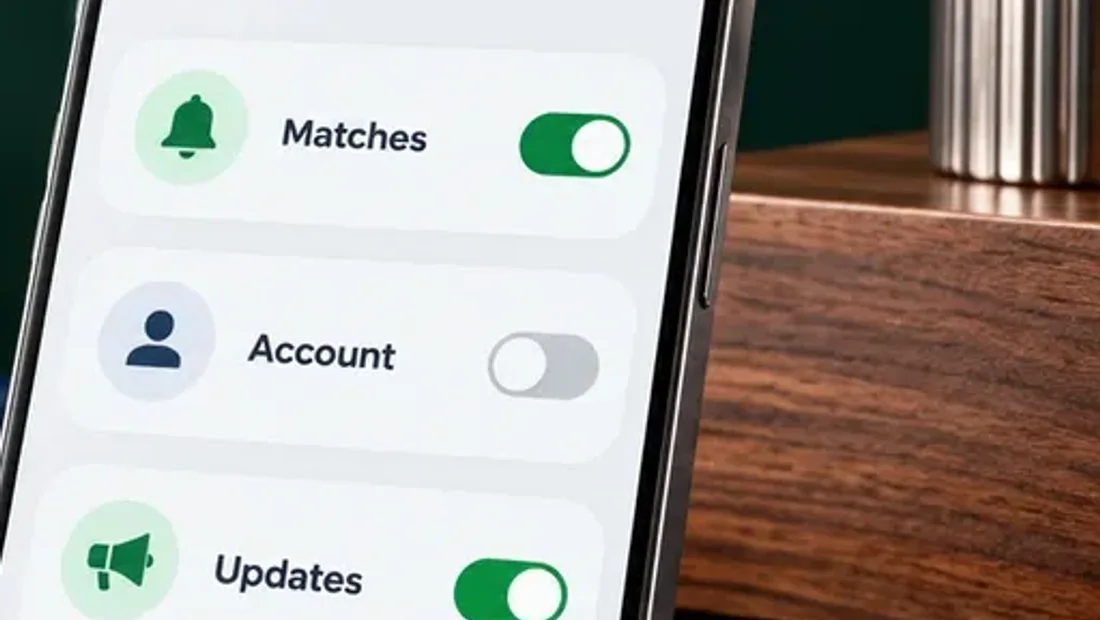
Three steps make up the Android tab. Step one, “Scan the QR code”, is useful only if you began on a laptop. Step two has you get the app onto the handset from the link behind that code; this line is our paraphrase. Step three is the site’s own “Install it”.
Since nobody installed the Android version, its permissions, its size and the way a 1win app update reaches the handset are unknown to us. What we can say about installing safely comes down to two habits. Begin from the install window inside 1win.ng and nowhere else, ignoring links that circulate in Telegram channels or under match previews. And decline any request for your phone book or text messages, because a betting screen has no use for either.
The 1win app for iOS: five lines in Safari
On an iPhone the tab lists five steps. We quote each one and add what it means in practice:
- “Scan the QR code” — only needed when you start on a computer.
- “Copy the link and open it in Safari on your smartphone” — the steps assume Safari, so avoid other browsers here.
- Tap “Share” — the square icon with an arrow.
- Select “Add to Home Screen” — it sits further down the Share list.
- Tap “Add” — the 1win icon then appears with your other apps.
Nothing in that window leads to an App Store listing.
What the manifest says about the icon
The web app manifest published by 1win.ng, which our team read on 13.10, sets the name “1win”, the display mode “standalone” and the start address “/”. So the icon launches the home page in a frameless window, with no address bar on top. It remains the mobile site, so there is no separate version to keep current.
Reading a big match on a small screen
Our test for any 1win betting app is a single football match page. On 14.10 our tester opened Man City v PSG in the Champions League on an iPhone. The page carried about 87 markets and roughly 1,200 prices under “All”, sorted into 17 groups, among them Main, Total, Handicap, Halves, Players, Corners, Goals, HT/FT, Cards and Correct Score. The 1X2 line read 2.09 / 4.03 / 3.21, and the match had an “Early payout 1:0” label.
Seventeen groups mean a lot of scrolling, so keep a fixed order. Start with the 1X2 line, because every other market leans on it. Move to Total and Handicap to see how many goals the prices expect and how big the gap between the sides is. Only then open Correct Score or Players, where prices run longer and a careless tap costs more. How the wider football list looked is set out in what our football list check counted.
The margin, worked on the phone calculator
Worked example
Worked example: 1 ÷ 2.09 + 1 ÷ 4.03 + 1 ÷ 3.21 = 0.4785 + 0.2481 + 0.3115 = 1.0381. The three prices add up to about 103.81%, so the margin built into that line was about 3.81%. Our tester’s notes gave 3.93% for the same match, slightly different; we keep the figure anyone can rebuild from the printed prices. These are prices our check saw on 14.10 for a match already played, not a tip.
The slip, the menus and the speed
Worked example
A price joins the slip with a single tap, and no login is needed for that part. Inside the slip you get Single, Multiple and Series tabs, a box for the stake, a “MAX Possible win” line and a “Place a bet” button. For a single, the possible win must match stake times odds: with an invented ₦2,500 stake on an invented price of 1.80, that is ₦2,500 × 1.80 = ₦4,500.
Along the bottom of the screen run Menu, Home, Casino, Free money and Sports, on a dark background unless you change it. Sports opens six tabs, from Top and Live to Bet history. Prices are decimal, and we saw no format switch. Live listed about 185 events on 14.10, 27 of them football, each with a match tracker and a “+N” link to more markets. Neither cash-out nor a bet builder turned up anywhere in our checks. Signing in uses a Phone or an Email tab with a password, covered in the two login tabs and password reset.
The icon doubles as a 1win casino app
Press Casino on the same bar and the browser lobby opens, unchanged. Used as a 1win casino app or a 1win game app, the icon therefore adds nothing the mobile site lacks. Lobby size and studios are in the lobby counts from our casino visit.
Load times on 14.10
Using a VPN, our tester measured how fast the home page painted on an iPhone. First content showed in 0.8 seconds. The largest element took 5.2 seconds on a cold start and 3.2 seconds once the page was cached.
| Item | What 1win.ng showed | Status |
|---|---|---|
| Menu items for both systems | Both present, with the Points promise | Seen on site |
| Safari route | Five steps, quoted above | Seen on site |
| Manifest | Frameless window, opens at “/” | Seen on site |
| Android permissions, update method | Unknown, no install made | Not checked |
| Worth of the Points | Not explained | Not checked |
Pros
- Short Safari route on iPhone, no store account needed
- A busy match page with 17 market groups reads well in a fixed order
- The slip shows its possible win before login
- Live tab with a tracker and extra markets
Cons
- No system version or app size in the install window
- Nothing on Android permissions or updates
- No cash-out or bet builder found
- Slow first load in our tester’s timing
Our verdict on the 1win app
7.0/10
Our score · 1win.ng checked 8, 13 & 14 Oct 2026 · how we score
The iPhone instructions are brief and clear, while the Android tab gives you steps and almost nothing else. Every betting screen our checks reached held up on a phone, the 17-group match page included, and the slip states its sum before a single naira is committed. Missing install details and the absence of cash-out keep the mark where it is.
It suits a football bettor who prefers one tap to reach 1win.ng and who reads prices and the slip figure before staking.
Who should skip it: readers who will not install anything without knowing its permissions and size. A normal browser tab reaches every screen described here.
Get the Android app from 1win.ng18+ · T&C Apply · operator named in the 1win.ng footer: BID Entertainment Limited
What changed on this page
- Page written for 1win-sports.ng from our checks of 1win.ng on 8, 13 and 14 October; every 1win figure is marked by source.
Found a mistake? Write to [email protected] and we will date the fix here.
FAQ
Can I get 1win from Apple's App Store?
The install window does not send you there. For iPhone, 1win.ng describes a home-screen web app added through Safari.
Where do Android users find the 1win app?
Open the main menu of 1win.ng and choose "1win for Android"; a QR code and three steps follow.
Does the iPhone icon need updates?
Nothing separate. The icon loads the live mobile site, so it changes whenever 1win.ng does.
Can I build a slip without an account?
Yes. Our check added a price to the slip while logged out; you log in only to place the bet.
What do the 200 Points for installing buy?
The menu line does not say, and nothing we saw explained their value or timing.
Learn more about 1win Withdrawal in our dedicated guide.